
ULTIMAKER 3D PRINTERS
THE ULTIMATE 3D PRINTING
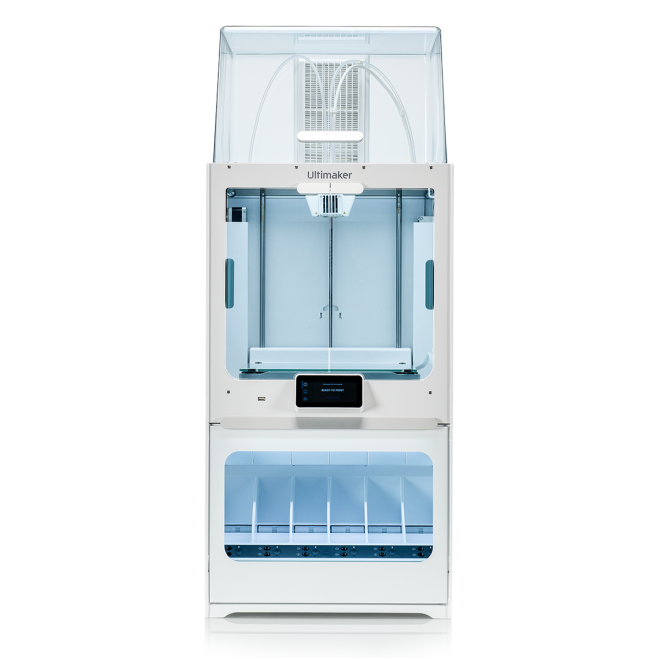
Ultimaker S5 Pro Bundle
Industrial production power on your desktop
The Ultimaker S5 Pro Bundle transforms your 3D printing workflow – with automatic material handling, efficient air filtering, and filament humidity control. Together, these features unlock 24/7 productivity and demanding applications with an extended range of materials.
Anytime 3D Printing
Means
All the Time Productivity
Features Summary
Seamlessly integrating the Ultimaker S5 printer with the Air Manager and Material Station, the Ultimaker S5 Pro Bundle boosts productivity, flexibility, and confidence to unlock demanding applications with an extended range of materials.
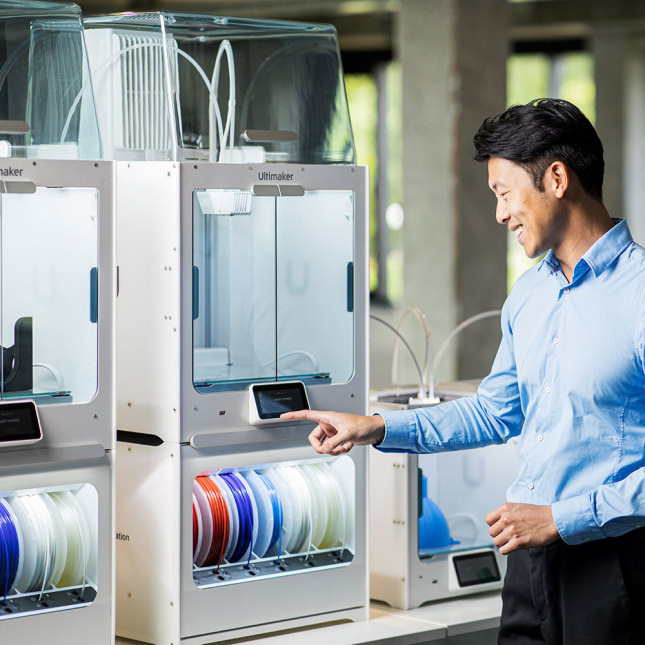
6 material bays for unlimited flexibility
With the Ultimaker S5 Pro Bundle you can load Ultimaker filament spools in any of its six bays, in any order – with NFC recognition.
That's over 28 million material and color combinations to suit your applications and your workflow. Add in third-party materials and the options are limitless.
If filament runs out or you start a new print that needs a different material, the Material Station automatically switches to the next spool, as long as it is loaded in one of the bays.

Unrivaled productivity
The Material Station and Air Manager empower the Ultimaker S5 to deliver high-quality 3D printed parts and models at maximum output.
Together, the Ultimaker S5 Pro Bundle's huge capacity and end-to-end material handling increases print success rate and uptime to 24/7 reliable production – while minimizing human error, print job time, and operator time.
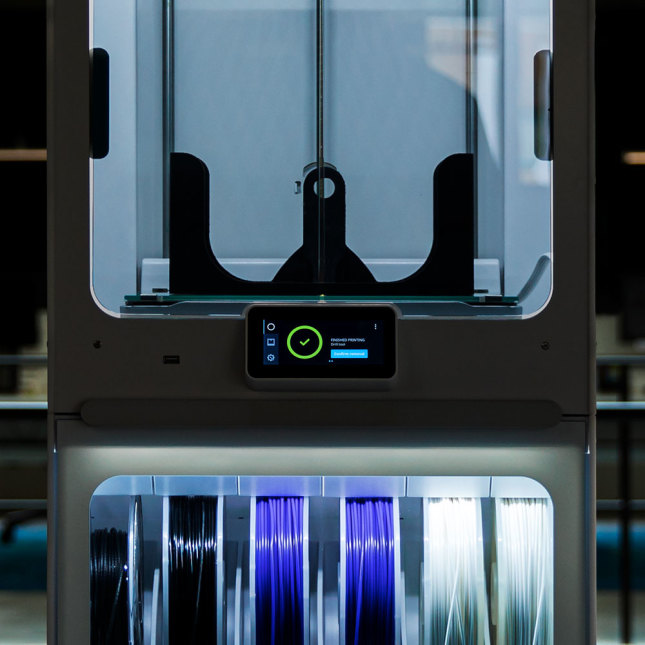
Robust performance you can trust
The Ultimaker S5 Pro Bundle takes an award-winning 3D printer that's trusted by the world's leading businesses...and makes it even more powerful and more reliable.
Designed for a safer work environment and unattended use, its enclosed build chamber and EPA filter remove up to 95% of UFP emissions. So you can leave this production workhorse to do its job while you focus on yours.
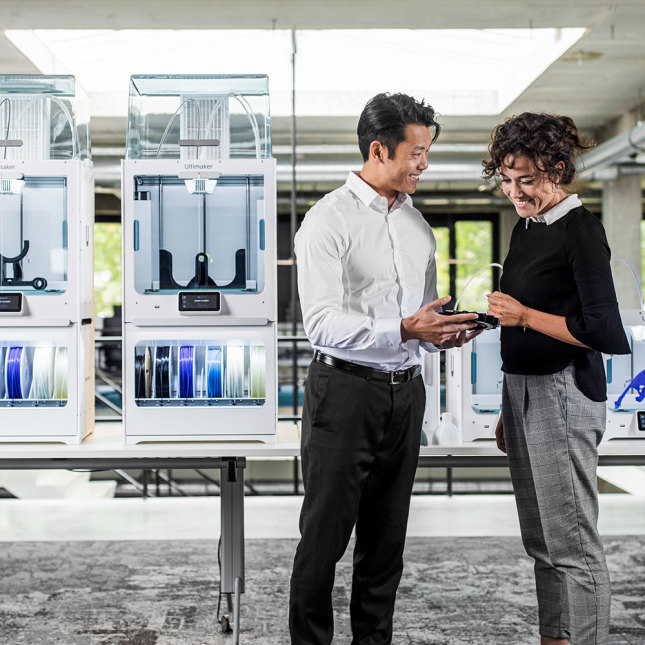
Easy end-to-end management
The Ultimaker S5 Pro Bundle comes with one more powerful component you can't see – free, intuitive Ultimaker software. This includes:
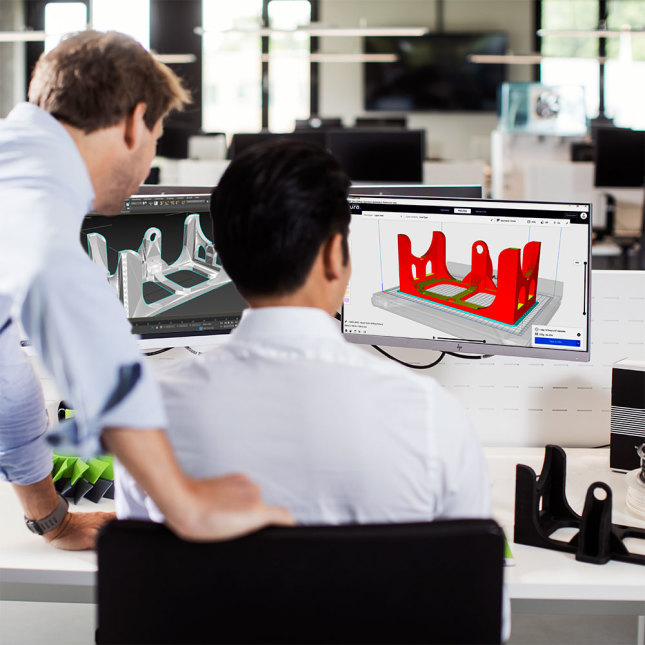
Ultimaker S5 Pro Bundle Technical Specifications
| Build Volume |
330 x 240 x 300 mm
(13 x 9.4 x 11.8 inches) |
|---|---|
| Assembled Dimensions | 495 x 500 x 1197 mm (19.5 x 19.5 x 47.1 inches) |
| Print Technology | Fused filament fabrication (FFF) |
| Weight | 41.9 kg (92.4 lbs) |
| Power Input | 100-240 VAC, 50-60 Hz |
| Maximum Power Output | 600W |
| Layer Resolution | 0.25 mm nozzle: 150
- 60
micron 0.4 mm nozzle: 200 - 20 micron 0.6 mm nozzle: 300 - 20 micron 0.8 mm nozzle: 600 - 20 micron |
|---|---|
| XYZ Resolution | 6.9, 6.9, 2.5 micron |
| Feeder type | Dual-geared feeder, reinforced for composite materials |
| Display | 4.7-inch (11.9 cm) color touchscreen |
| Print Core Replacement | Swappable print cores |
| Print Head | Dual extrusion print head with an auto-nozzle lifting system and swappable print cores |
| Nozzle Diameters | 0.25 mm, 0.4 mm, 0.6 mm, 0.8 mm |
| Filter Technology | Replaceable EPA filter |
|---|---|
| Air extraction rate | 1 - 50 m³/h (35 m³/h nominal rate for most materials at 23 °C) |
| Filter efficiency | Up to 95% |
| Material capacity | 6 spools |
| Compatible filament diameter | 2.85 mm |
| Compatible spools | Width: 50 - 70 mm (2 - 2.7 in)
Diameter: 197 - 203 mm (7.8 - 8 in) Core diameter: > 98 mm (3.8 in) |
| Operating sound | < 51 dBA |
| Operating Ambient Temperature | 15 - 30 °C (59 - 86 °F), up to 70% relative humidity |
| Non-operating Temperature | 0 - 32 °C (32 - 90 °F) |
| Supplied Free Software | Ultimaker Cura –
print
preparation
software Ultimaker Connect – printer management software |
|---|---|
| Cloud Support | Ultimaker Cloud |
| Supported OS | MacOS, Windows, and Linux |
| Plugin Integration | SolidWorks, Siemens NX, Autodesk Inventor |
| Supported File Types | Ultimaker Cura: STL, OBJ, X3D,
3MF,
BMP, GIF, JPG,
PNG Printable formats: G, GCODE, GCODE.gz, UFP |
| File Transfer | Wi-Fi, LAN, USB |
| More information |
Learn about Ultimaker S5 safety and
compliance Learn about Ultimaker S5 Air Manager safety and compliance Learn about Ultimaker S5 Material Station safety and compliance |
|---|
| Training | Training is available online or via our dedicated network of local service partners (recommended). |
|---|---|
| Warranty Period | 12 months |
| Expert support | Market-leading technical support via email, phone, or from our global community is available to you in your language and timezone. |
| Extended support | Online resources, extensive manuals (in multiple languages), material technical and safety data sheets (in multiple languages), a detailed knowledge base, and much more. |
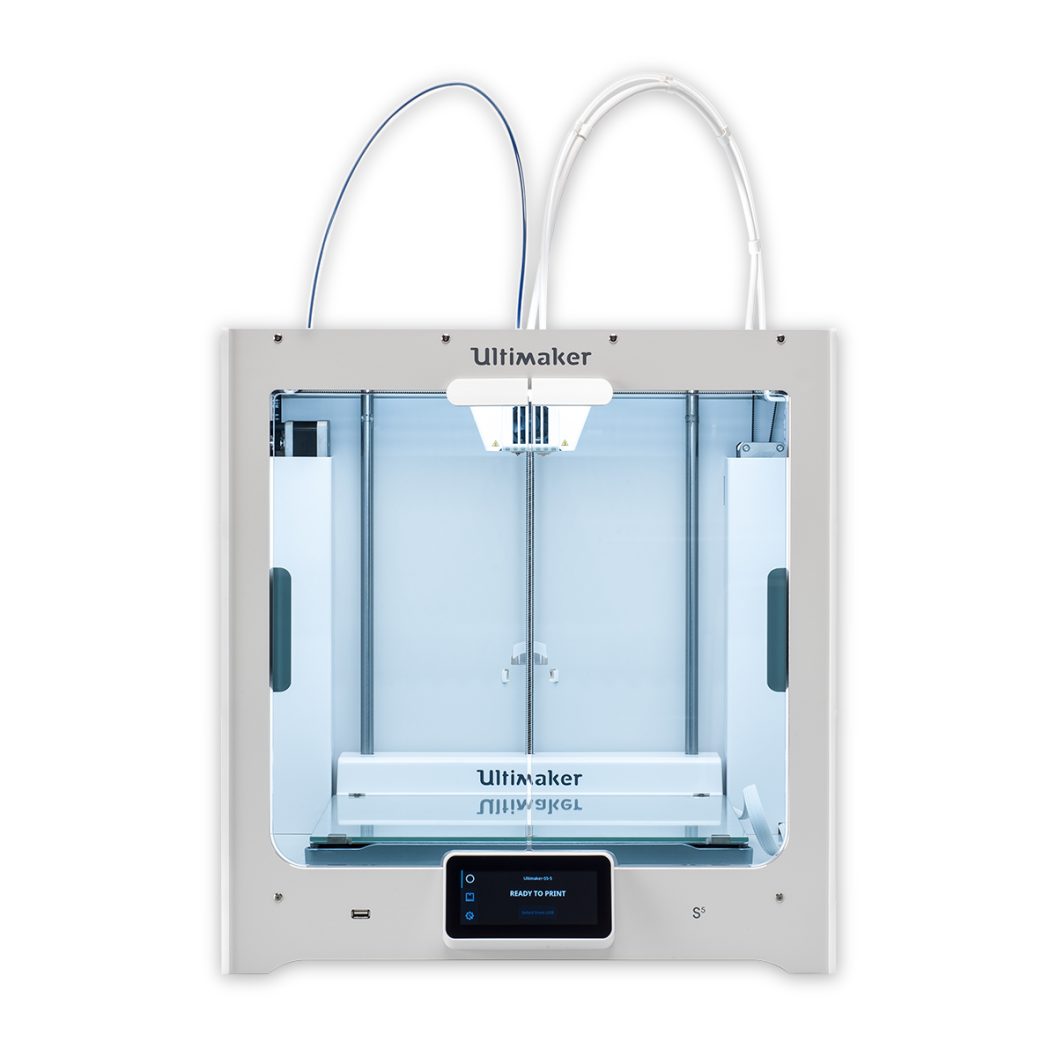
Ultimaker S5 Series
Powerful, reliable, versatile 3D printing
Discover the easy-to-use desktop 3D printer with a large build volume that delivers accurate, industrial-grade parts, time and again. With simple setup, high uptime, and reliable dual extrusion, Ultimaker S5 is the complete professional 3D printing solution.
Scale up your productivity and ambition
Features Summary
The Ultimaker S5 is built to run continuously and maximize uptime. Its best-in-class Technical Specifications deliver performance you can rely on. Designed for your success, the Ultimaker S5 is part of the complete Ultimaker 3D printing solution – one trusted by hundreds of thousands of professionals worldwide.
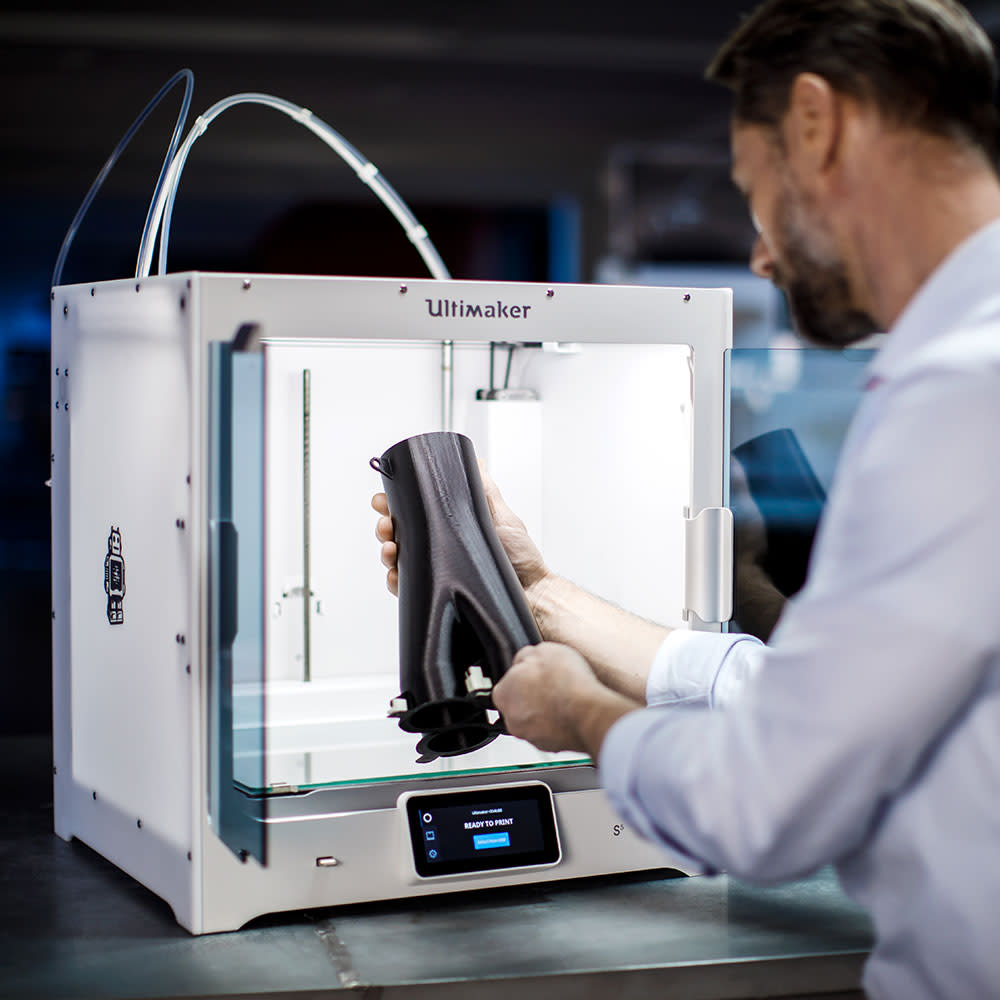
Enhanced reliability
Trust the Ultimaker S5 to do its job while you do yours. Its advanced active bed leveling ensures a perfect first layer, glass doors control the airflow, and dual filament flow sensors will pause your print and notify you if you run out of material.
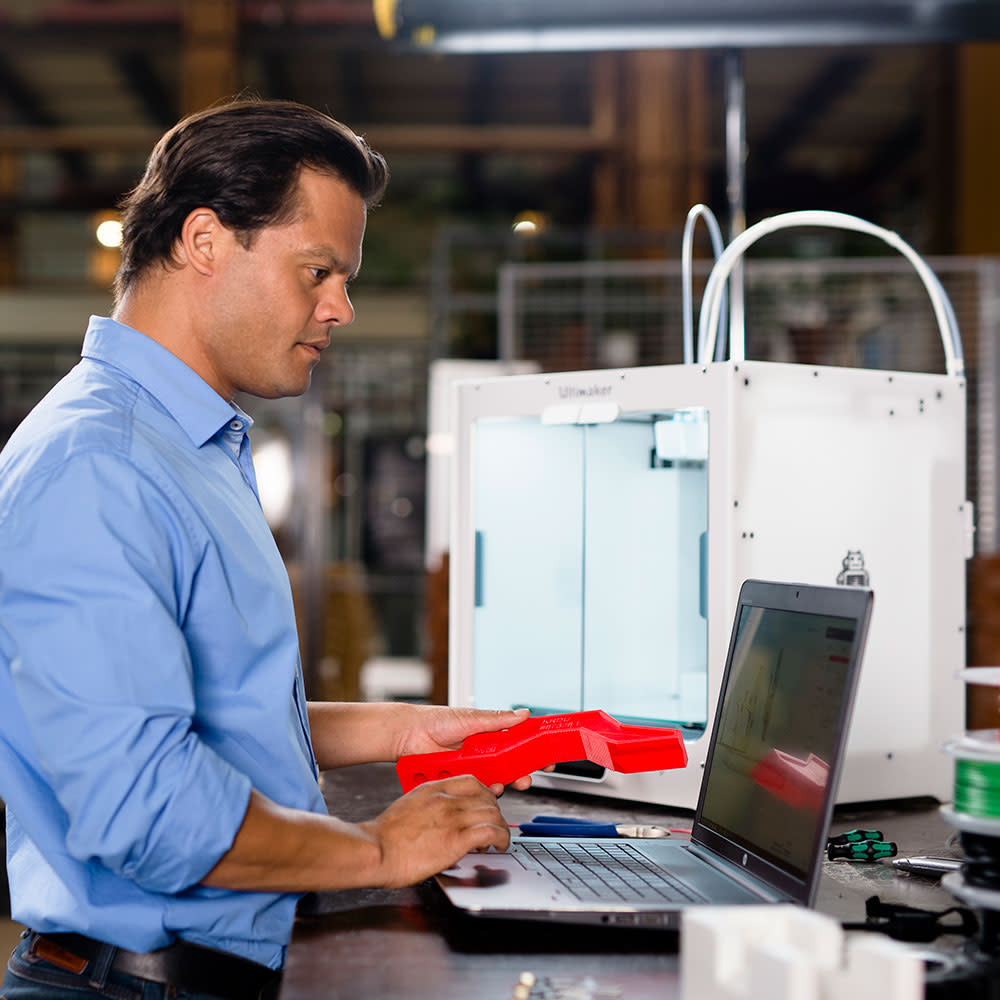
Bigger build volume
A build volume of 330 x 240 x 300 mm (13 x 9.4 x 11.8 inches) gives you more freedom to produce larger designs or print multiple parts on one build plate. So you can meet demand with maximum efficiency, with a 3D printer that fits comfortably on your desk.
Composite-ready
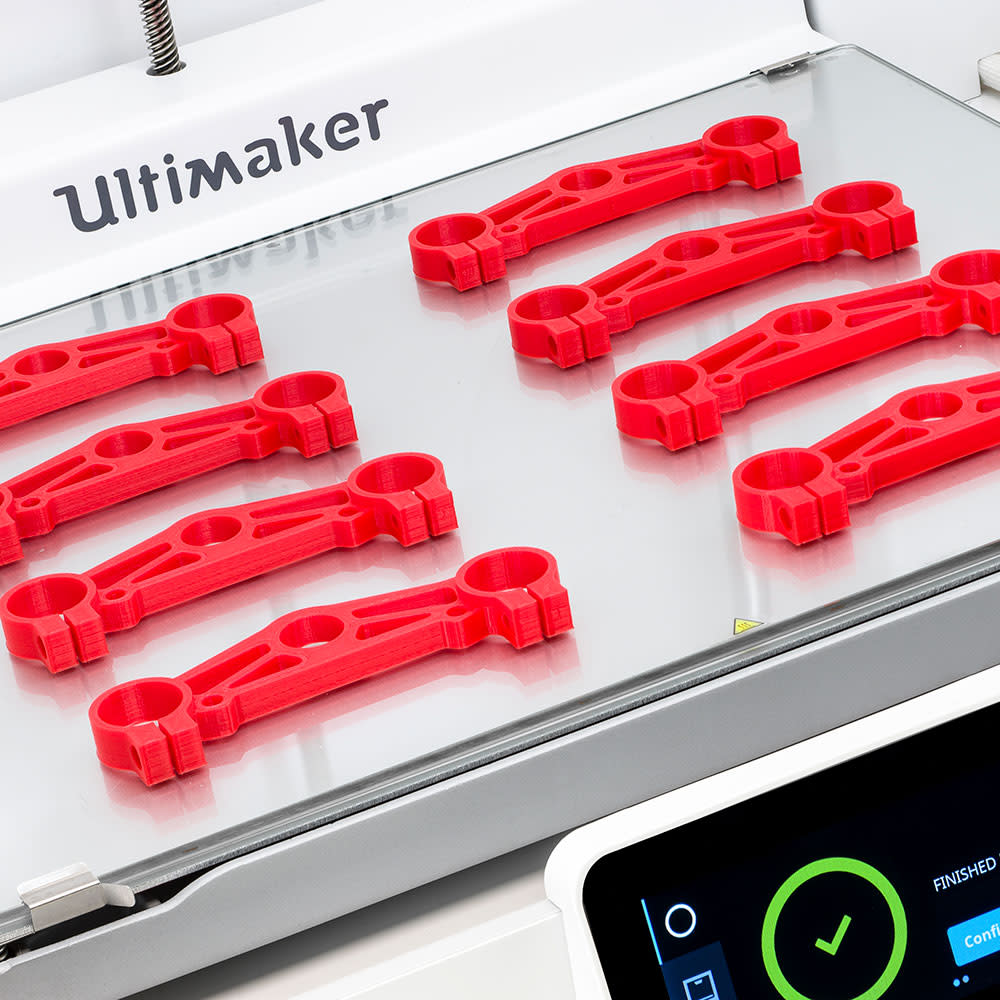
Thanks to our pioneering alliance with global materials companies, Ultimaker S5 offers an easy way to print with the world’s most advanced filaments – including glass and carbon fiber composites.
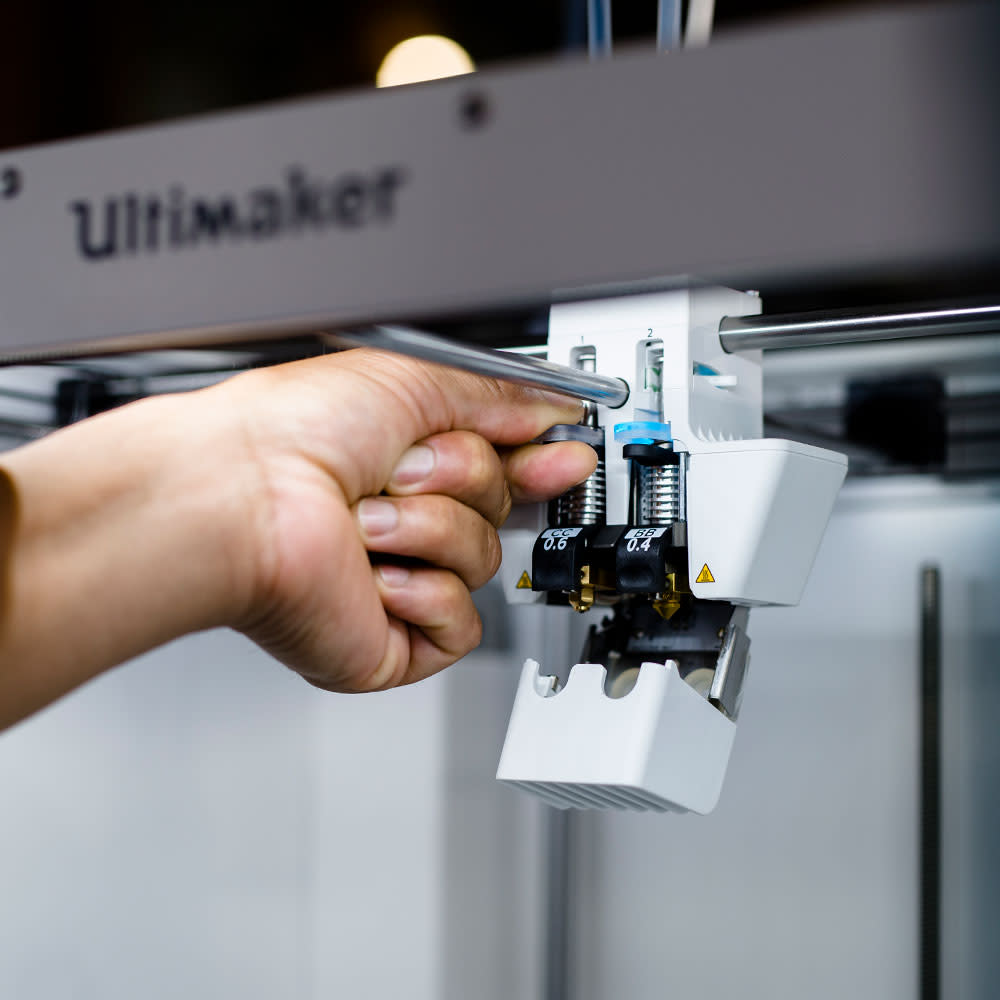
For non-abrasive filaments, switch between build and support material in seconds, choosing from 0.8, 0.4, or 0.25 mm print cores for fast or detailed prints. To unlock more high-end applications with abrasive materials, select print core CC Red 0.6 (sold separately).
Award-winning touchscreen interface
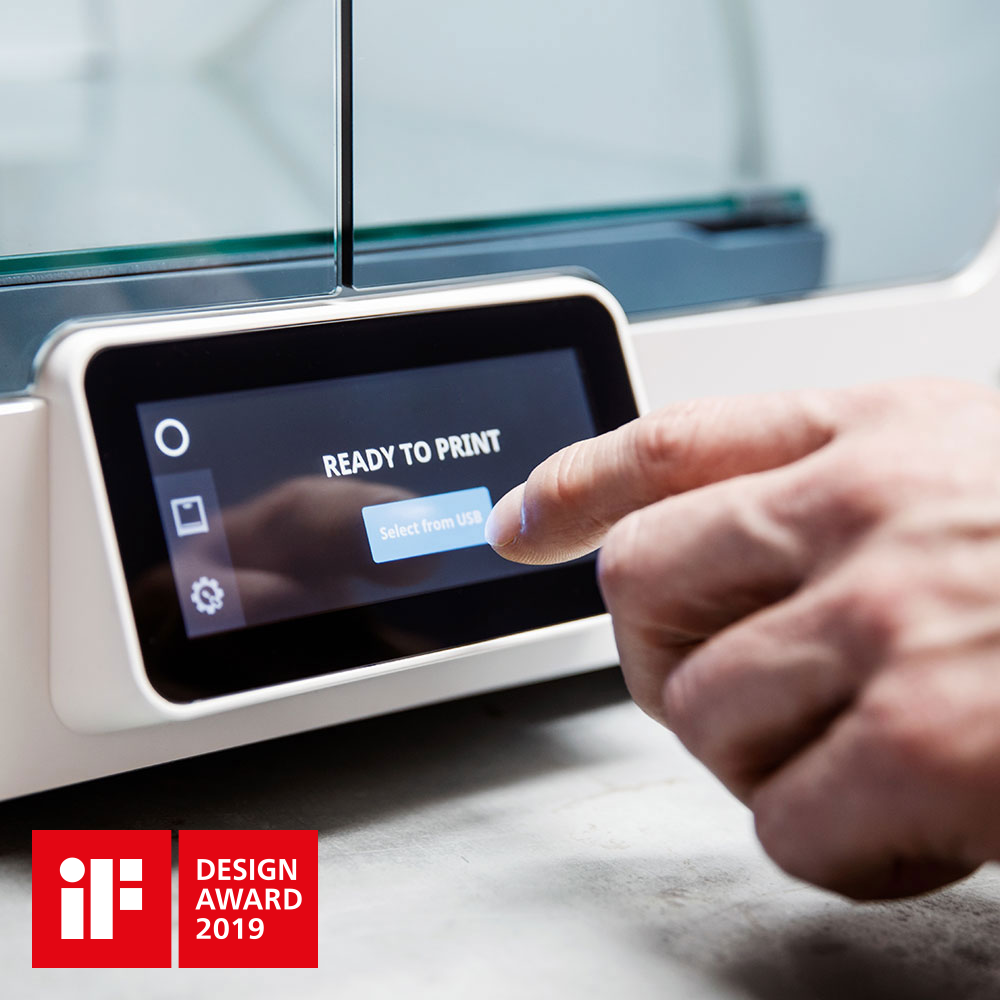
Winner of a 2019 iF Design Award, the touchscreen interface simplifies every action with the Ultimaker S5. Step-by-step setup, navigation, and maintenance remove the need for training and deliver a hassle-free, intuitive 3D printing experience.
Ultimaker S5 Technical Specifications
| Build Volume | 330 x 240 x 300 mm
(13 x 9.4 x 11.8 inches) |
|---|---|
| Assembled Dimensions | 495 x 585 x 780 mm (19.5 x 23 x 30.7 inches) |
| Print Technology | Fused filament fabrication (FFF) |
| Compatible filament diameter | 2.85 mm |
| Weight | 20.6 kg (45.4 lbs) |
| Maximum Power Output | 500 W |
| Layer Resolution | 0.25 mm nozzle: 150
- 60
micron 0.4 mm nozzle: 200 - 20 micron 0.6 mm nozzle: 300 - 20 micron 0.8 mm nozzle: 600 - 20 micron |
|---|---|
| XYZ Resolution | 6.9, 6.9, 2.5 micron |
| Feeder type | Dual-geared feeder, reinforced for composite materials |
| Display | 4.7-inch (11.9 cm) color touchscreen |
| Print Core Replacement | Swappable print cores |
| Print Head | Dual extrusion print head with an auto-nozzle lifting system and swappable print cores |
| Nozzle Diameters | 0.25 mm, 0.4 mm, 0.6 mm, 0.8 mm |
| Build Speed | < 24 mm³/s |
|---|---|
| Nozzle Temperature | 180 - 280 °C |
| Nozzle Head-up Time | < 2 minutes |
| Operating Sound | < 50 dBA |
| Build Plate Leveling | Advanced active leveling |
| Build Plate | 20 - 140 °C heated glass build plate |
| Build PLate Head-up Time | < 4 minutes (from 20 to 60 °C) |
| Operating Ambient Temperature | 15 - 32 °C (59 - 90 °F) |
| Non-operating Temperature | 0 - 32 °C (32 - 90 °F) |
| Supplied Free Software | Ultimaker Cura –
print
preparation
software Ultimaker Connect – printer management software |
|---|---|
| Cloud Support | Ultimaker Cloud |
| Supported OS | MacOS, Windows, and Linux |
| Plugin Integration | SolidWorks, Siemens NX, Autodesk Inventor |
| Supported File Types | Ultimaker Cura: STL, OBJ, X3D,
3MF,
BMP, GIF, JPG,
PNG Printable formats: G, GCODE, GCODE.gz, UFP |
| File Transfer | Wi-Fi, LAN, USB |
| Certification | CE, FCC, VPAT, RoHS, REACH, CB, BIS, KC, PSE, RCM, SRRC, MIC, NCC, Safe unattended professional use |
|---|---|
| Documentation |
MSDS Download VPAT Download CE Download |
| Training | Training is available online or via our dedicated network of local service partners (recommended). |
|---|---|
| Warranty Period | 12 months |
| Expert Support | Market-leading technical support via email, phone, or from our global community is available to you in your language and timezone. |
| Extended Support | Online resources, extensive manuals (in multiple languages), material technical and safety data sheets (in multiple languages), a detailed knowledge base, and much more. |

Ultimaker S3
Massive performance, impressively small footprint
The new Ultimaker S3 delivers high-quality, composite-ready performance – all efficiently from your desktop. Packed with our latest technology, it is as easy to use as it is powerful, offering the most cost-effective way for disruptive businesses to adopt in-house 3D printing.
In-house Production Made Easy
Features Summary
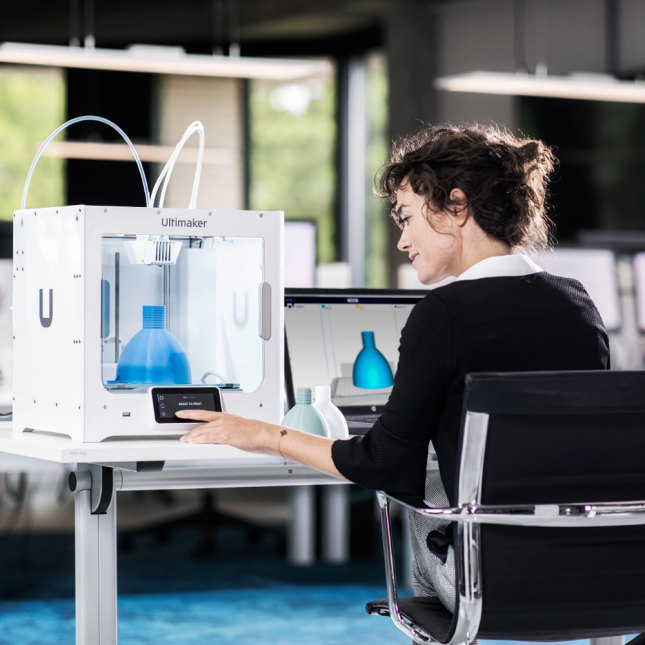
The Ultimaker S3 is a complete production system you can depend on in the office or studio. With advanced features to ensure a reliable printing experience, it’s still simple to use thanks to its award-winning touch interface and seamless software integration.
Reliable
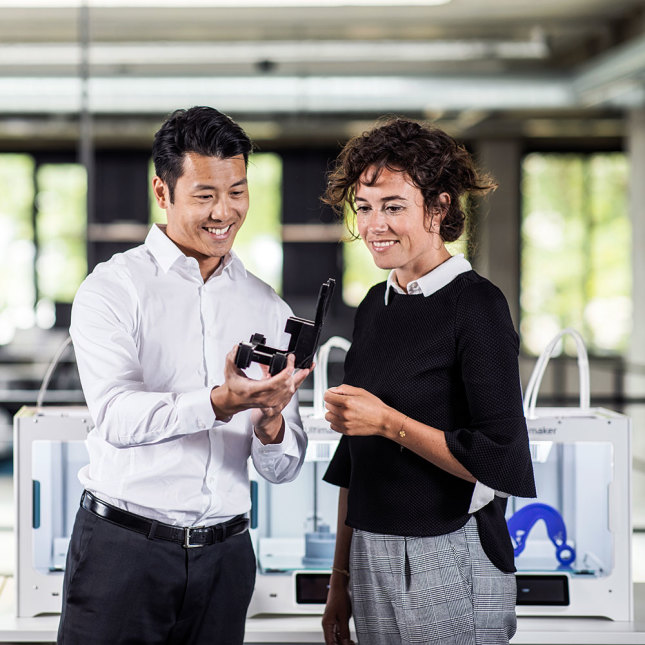
The Ultimaker S3 features next-generation reliability. Its advanced active leveling, stiffer build platform, heated build plate, and more accurate stepper drivers result in the highest print quality of a machine in this form factor. And dual filament flow sensors notify you if you run out of material.
Easy to use
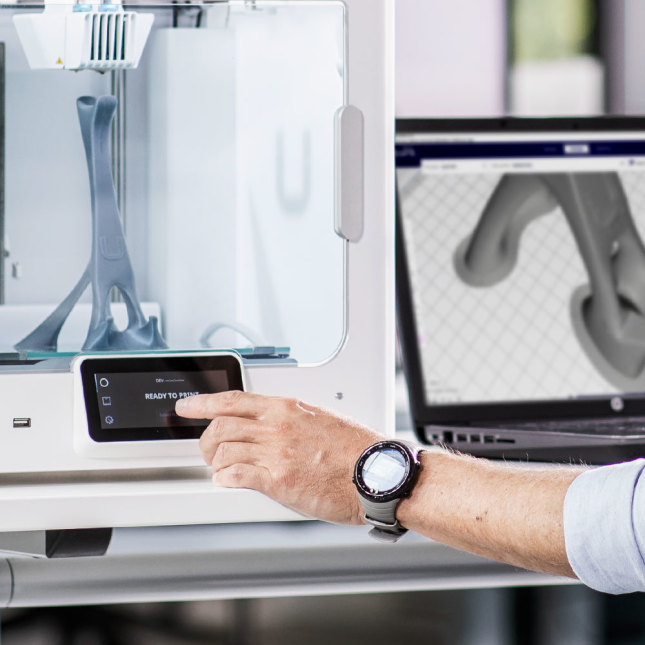
The Ultimaker S3 was designed so that anyone can achieve high-quality results after a 30-minute introduction. Its award-winning touch interface, quick-swap print cores, and predefined print settings enable rapid changeovers and reduce operator time needed.
Accessible
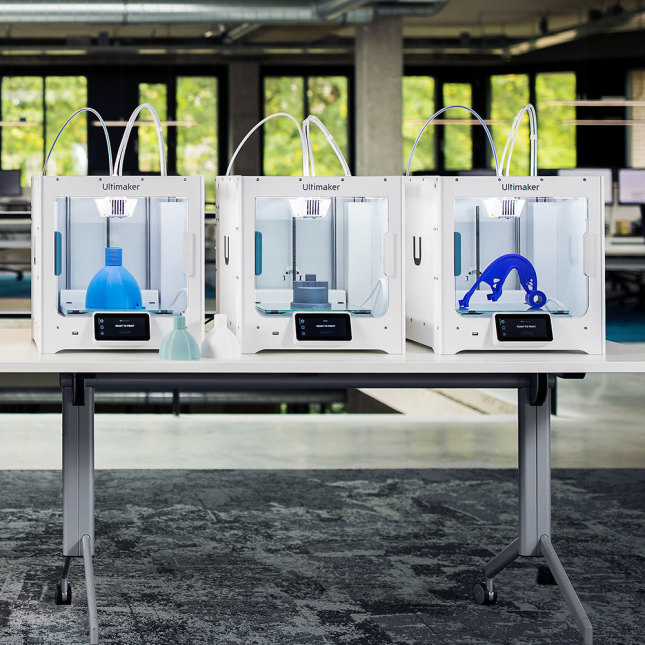
On every level, the Ultimaker S3 is our most accessible 3D printer yet. Start creating the parts and models you need using any filament, from any desktop, as part of any workflow, and quickly achieve ROI.
Material choice
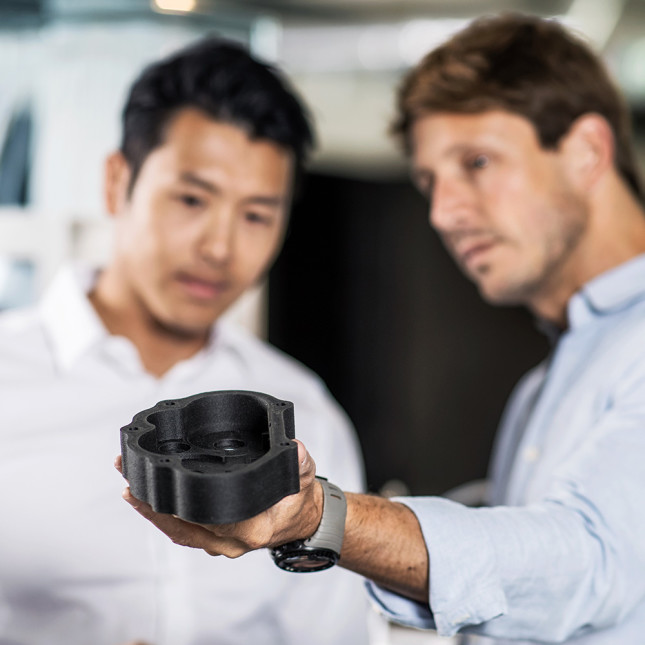
Thanks to our pioneering alliance with global materials companies, the Ultimaker S3 lets you print with a growing library of advanced materials – including glass and carbon fiber composites (when using print core CC Red 0.6 – sold separately).
From mechanical strength to flame retardancy, simply pick the material for your application, download a print profile in the Ultimaker Marketplace, and start printing. Optimized performance – no manually entering parameters.
Ultimaker S3 Technical Specifications
| Build Volume | 230 x 190 x 200 mm
(9 x 7.4 x 7.9 inches) |
|---|---|
| Assembled Dimensions | 394 x 489 x 637 mm (15.5 x 19.3 x 25.1 inches) |
| Print Technology | Fused filament fabrication (FFF) |
| Compatible filament diameter | 2.85 mm |
| Weight | 14.4 kg (31.7 lbs) |
| Power input | 100 - 240 VAC, 50 - 60 Hz |
| Maximum power output | 350 W |
| Layer Resolution | 0.25 mm nozzle: 150
- 60
micron 0.4 mm nozzle: 200 - 20 micron 0.6 mm nozzle: 300 - 20 micron 0.8 mm nozzle: 600 - 20 micron |
|---|---|
| XYZ Resolution | 6.9, 6.9, 2.5 micron |
| Feeder type | Dual-geared feeder, reinforced for composite materials |
| Display | 4.7-inch (11.9 cm) color touchscreen |
| Print Core Replacement | Swappable print cores |
| Print Head | Dual extrusion print head with an auto-nozzle lifting system and swappable print cores |
| Nozzle Diameters | 0.25 mm, 0.4 mm, 0.6 mm, 0.8 mm |
| Build Speed | < 24 mm³/s |
|---|---|
| Nozzle Temperature | 180 - 280 °C |
| Nozzle Head-up Time | < 2 minutes |
| Operating Sound | < 50 dBA |
| Build Plate Leveling | Advanced active leveling |
| Build Plate | 20 - 140 °C heated glass build plate |
| Build PLate Head-up Time | < 4 minutes (from 20 to 60 °C) |
| Operating Ambient Temperature | 15 - 32 °C (59 - 90 °F) |
| Non-operating Temperature | 0 - 32 °C (32 - 90 °F) |
| Supplied Free Software | Ultimaker Cura –
print
preparation
software Ultimaker Connect – printer management software |
|---|---|
| Cloud Support | Ultimaker Cloud |
| Supported OS | MacOS, Windows, and Linux |
| Plugin Integration | SolidWorks, Siemens NX, Autodesk Inventor |
| Supported File Types | Ultimaker Cura: STL, OBJ, X3D,
3MF,
BMP, GIF, JPG,
PNG Printable formats: G, GCODE, GCODE.gz, UFP |
| File Transfer | Wi-Fi, LAN, USB |
| More information |
Learn about Ultimaker S3 safety and
compliance |
|---|
| Training | Training is available online or via our dedicated network of local service partners (recommended). |
|---|---|
| Warranty Period | 12 months |
| Expert support | Market-leading technical support via email, phone, or from our global community is available to you in your language and timezone. |
| Extended Support | Online resources, extensive manuals (in multiple languages), material technical and safety data sheets (in multiple languages), a detailed knowledge base, and much more. |

Ultimaker 3 Series
Delivering accuracy and consistency
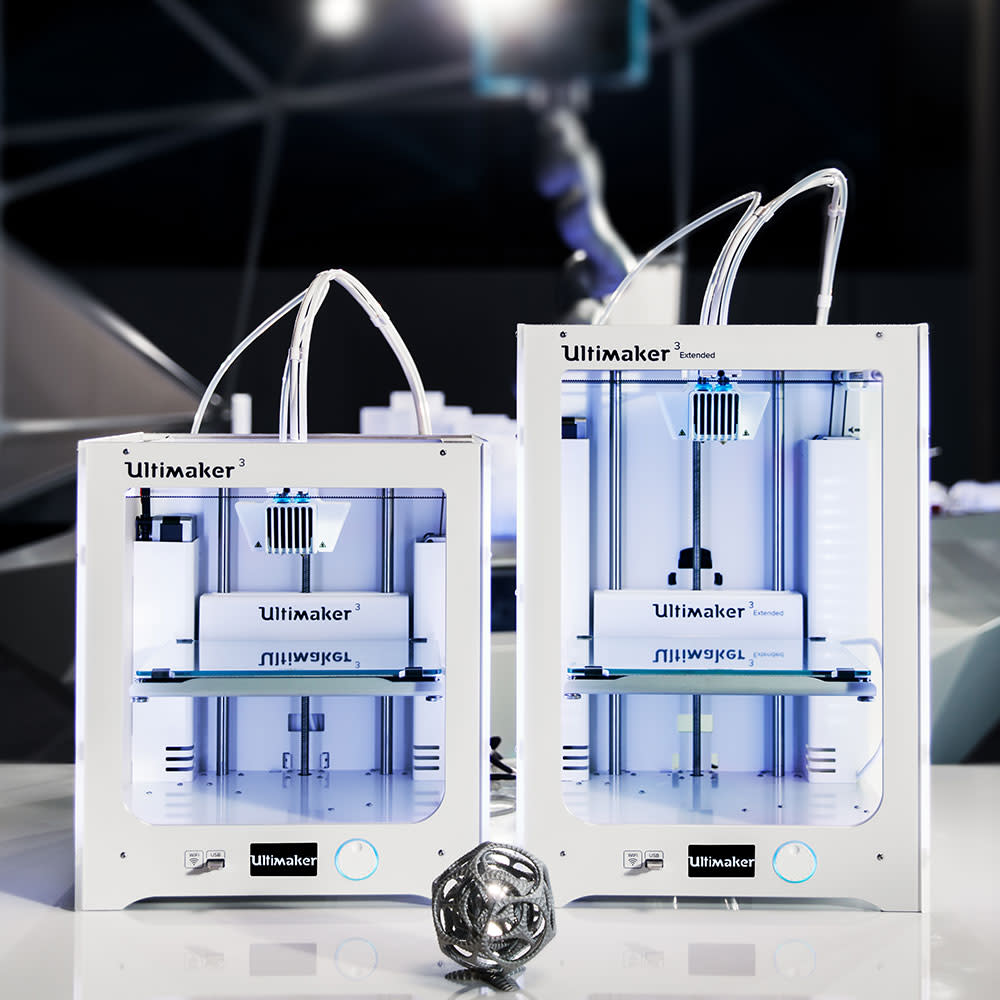
Enjoy complete design freedom with the Ultimaker 3 and Ultimaker 3 Extended. With market-leading dual extrusion and water-soluble support materials, now you can 3D print complex geometries straight from your desk without the hassle.
3D Print Complex Parts with Ease
Features Summary
The Ultimaker 3 and Ultimaker 3 Extended deliver an incredibly reliable 3D printing experience. Their market-leading dual extrusion system, automatic build plate leveling, NFC spool recognition, and hot-swappable print cores make it easy to 3D print complex geometries with high uptime and repeatability.
Deep integration with your workflow
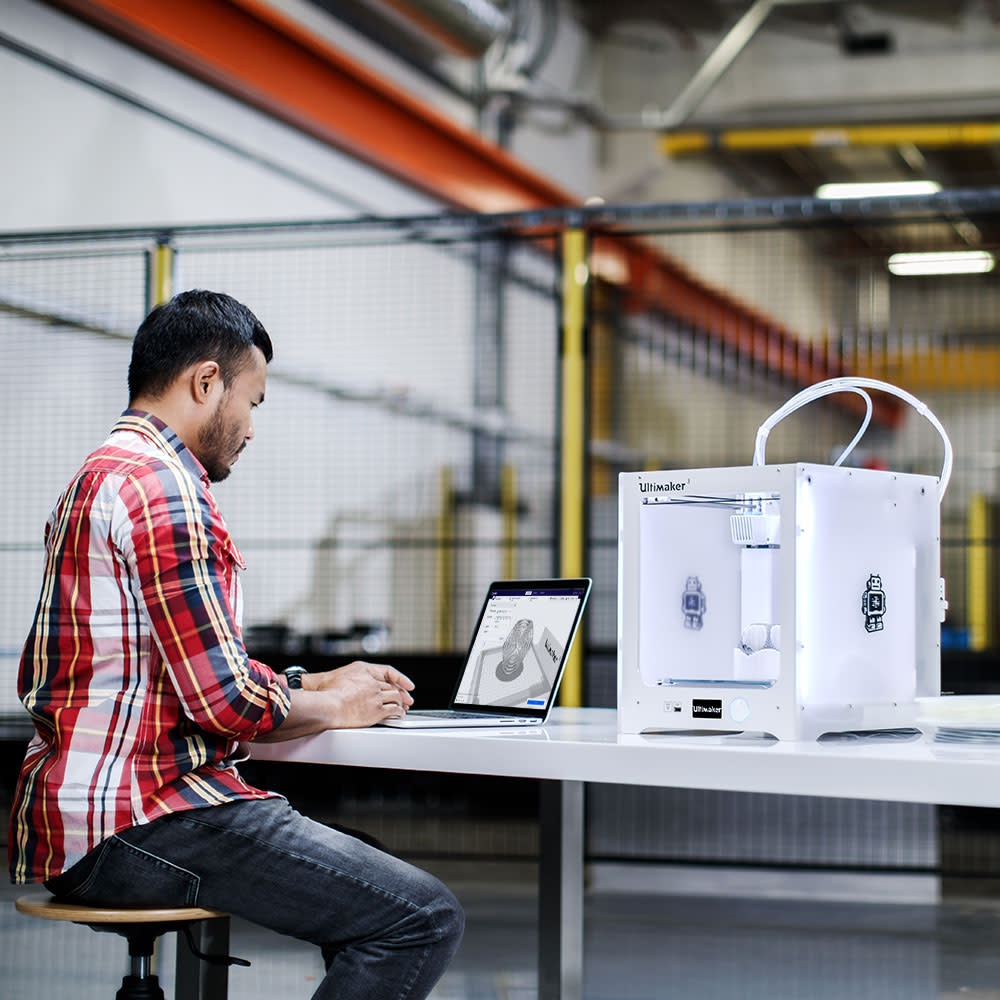
Wi-Fi, LAN, and NFC connectivity means the Ultimaker 3 fits seamlessly into your workflow:
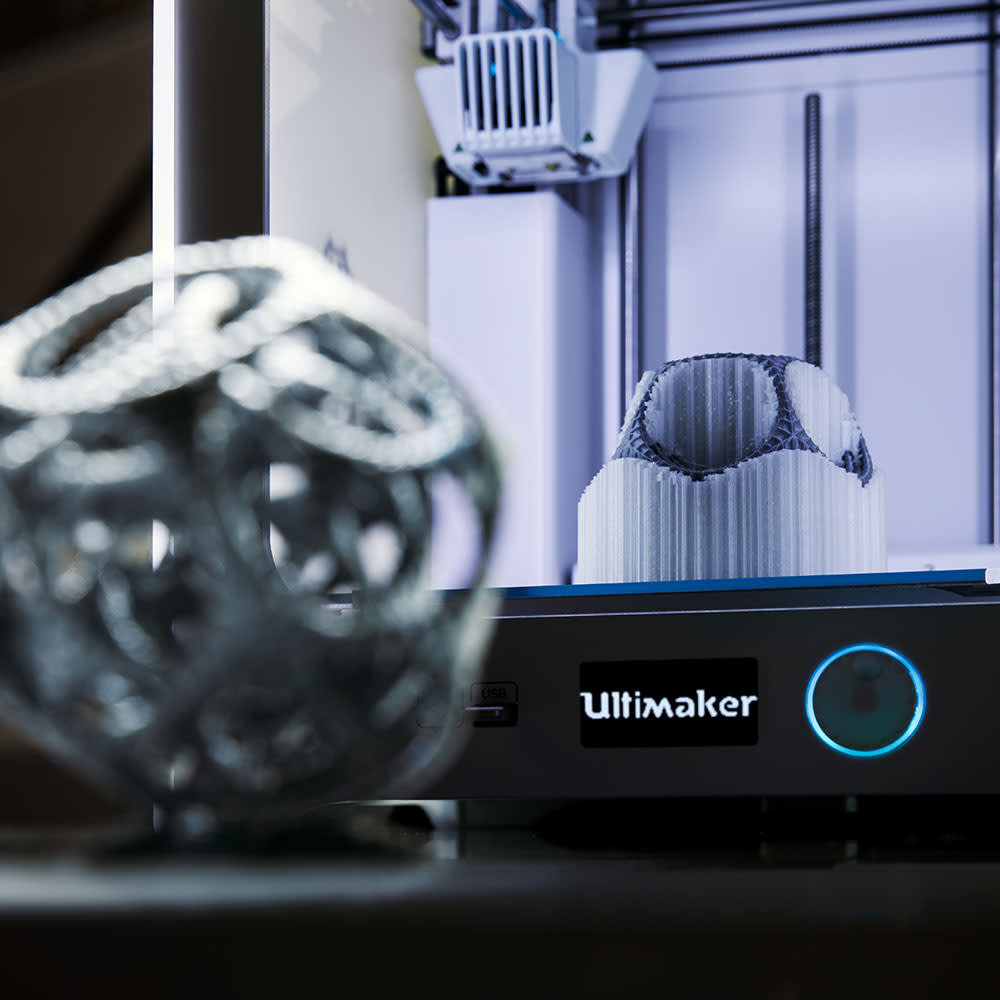
Market-leading dual extrusion
Combine build materials with water-soluble support to create complex mechanical parts and intricate surfaces – or choose to print with two colors. Ultimaker 3 has a unique auto nozzle-lifting system that ensures a smooth, professional finish with every print, giving you complete design freedom.
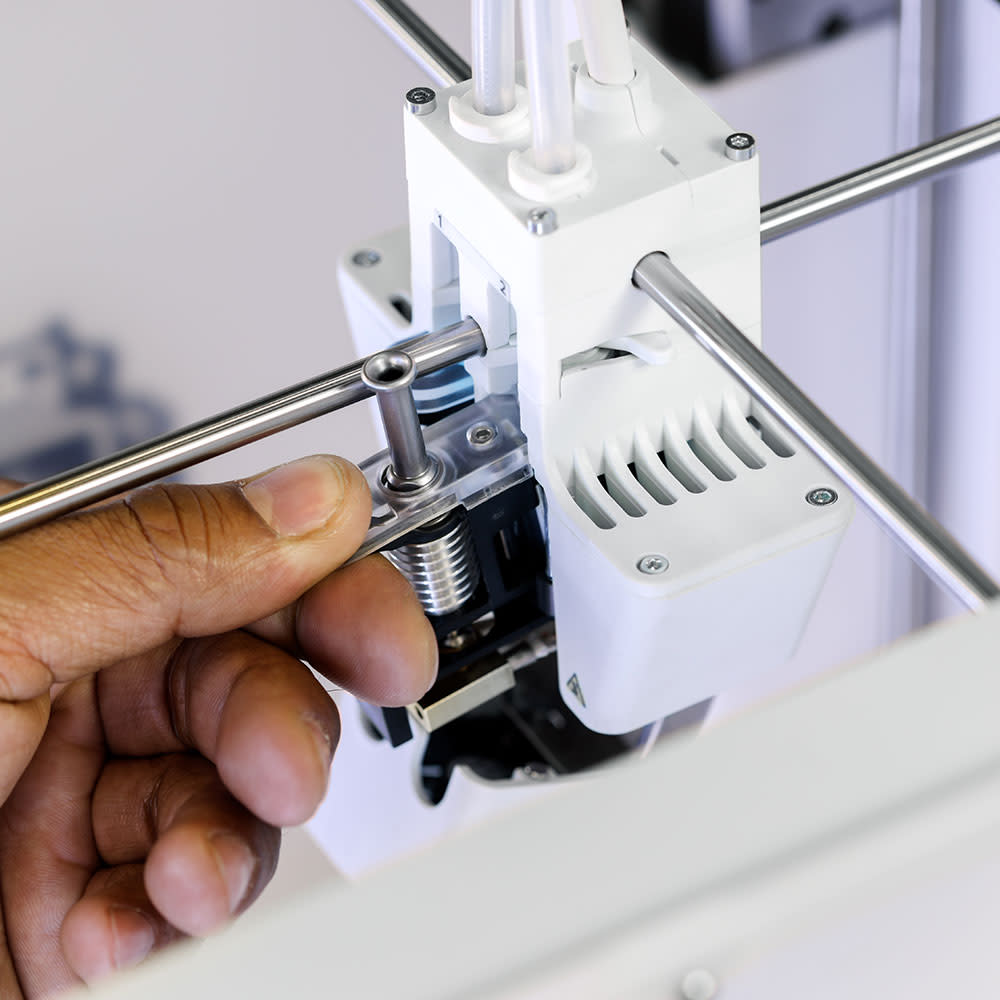
Hot-swappable print cores
Quicker print core changes mean higher uptime and easier material switching. The Ultimaker 3 ships with two 0.4 mm AA print cores for build materials and Ultimaker Breakaway, and one 0.4 mm BB print core for water-soluble Ultimaker PVA. These are automatically recognized by your printer and in Ultimaker Cura. They feature LED lights to clearly alert you if any interaction is needed.
Other AA print cores are also available:
Automatically perfect first-layer adhesion
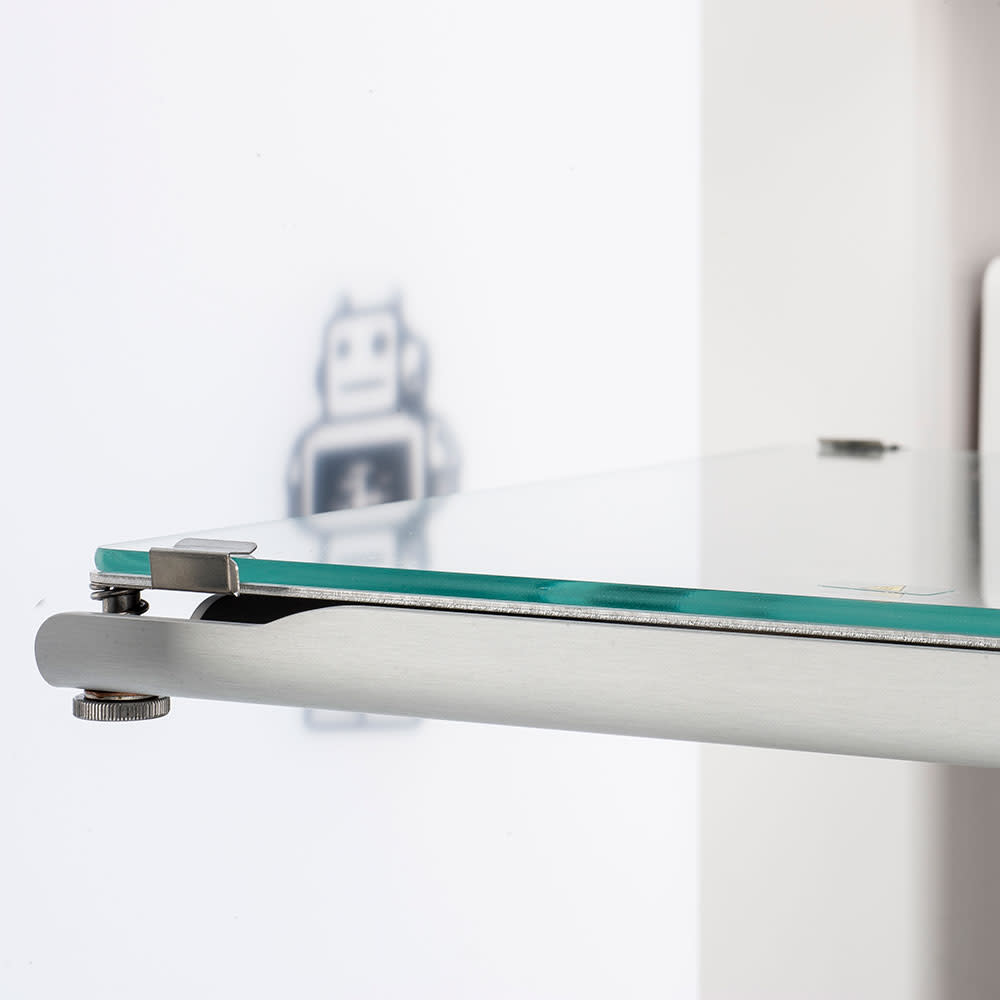
Before every print, the capacitive print head sensor probes the removable heated built plate at multiple points to find microscopic variations in its topology. The tilt angle is then compensated by adjusting the Z-height in the first layers. The result? More accurate leveling and improved build plate adhesion.
Ultimaker 3 Technical Specifications
| Dual Extrussion Build Volume | Ultimaker 3: 197 x
215 x
200
mm Ultimaker 3 Extended: 197 x 215 x 300 mm |
|---|---|
| Assembled Dimensions | Ultimaker 3: 342 x 505 x 588
mm Ultimaker 3 Extended: 342 x 505 x 688 mm |
| Print Technology | Fused filament fabrication (FFF) |
| Compatible filament diameter | 2.85 mm |
| Weight | Ultimaker 3: 10.6 kg (23.4
lbs) Ultimaker 3 Extended: 11.3 kg (24.9 lbs) |
| Maximum Power Output | 221 W |
| Layer Resolution | 0.25 mm nozzle: 150
- 60
micron 0.4 mm nozzle: 200 - 20 micron 0.8 mm nozzle: 600 - 20 micron |
|---|---|
| XYZ Resolution | 12.5, 12.5, 2.5 micron |
| Feeder type | Dual-geared feeder |
| Display | Dot-matrix display with click wheel |
| Print Core Replacement | Swappable print cores |
| Print Head | Dual extrusion print head with an auto-nozzle lifting system and swappable print cores |
| Nozzle Diameters | 0.25 mm, 0.4 mm, 0.8 mm |
| Build Speed | < 24 mm³/s |
|---|---|
| Nozzle Temperature | 180 - 280 °C |
| Nozzle Head-up Time | < 2 minutes |
| Operating Sound | 50 dBA |
| Build Plate Leveling | Active leveling |
| Build Plate | 20 - 100 °C heated glass build plate |
| Operating Ambient Temperature | 15 - 32 °C (59 - 90 °F) |
| Non-operating Temperature | 0 - 32 °C (32 - 90 °F) |
| Supplied Free Software | Ultimaker Cura –
print
preparation
software Ultimaker Connect – printer management software |
|---|---|
| Cloud Support | Ultimaker Cloud |
| Supported OS | MacOS, Windows, and Linux |
| Plugin Integration | SolidWorks, Siemens NX, Autodesk Inventor |
| Supported File Types | Ultimaker Cura: STL, OBJ, X3D,
3MF,
BMP, GIF, JPG,
PNG Printable formats: G, GCODE, GCODE.gz, UFP |
| File Transfer | Wi-Fi, LAN, USB |
| Certification | CE, FCC, VPAT, RoHS, REACH, CB, BIS, KC, PSE, RCM, SRRC, MIC, NCC, Safe unattended professional use |
|---|---|
| Documentation |
MSDS Download VPAT Download CE Download |
| Training | Training is available online or via our dedicated network of local service partners (recommended). |
|---|---|
| Warranty Period | 12 months |
| Expert Support | Market-leading technical support via email, phone, or from our global community is available to you in your language and timezone. |
| Extended Support | Online resources, extensive manuals (in multiple languages), material technical and safety data sheets (in multiple languages), a detailed knowledge base, and much more. |

Ultimaker 2+ Connect
Start 3D printing the Ultimaker way
A seamless 3D printing workflow starts here. With networking capabilities and a new touchscreen, the Ultimaker 2+ Connect is your reliable first step into our world of easy, remote 3D printing.
A Desktop 3D Printer that's Engineered to Perform
Features Summary
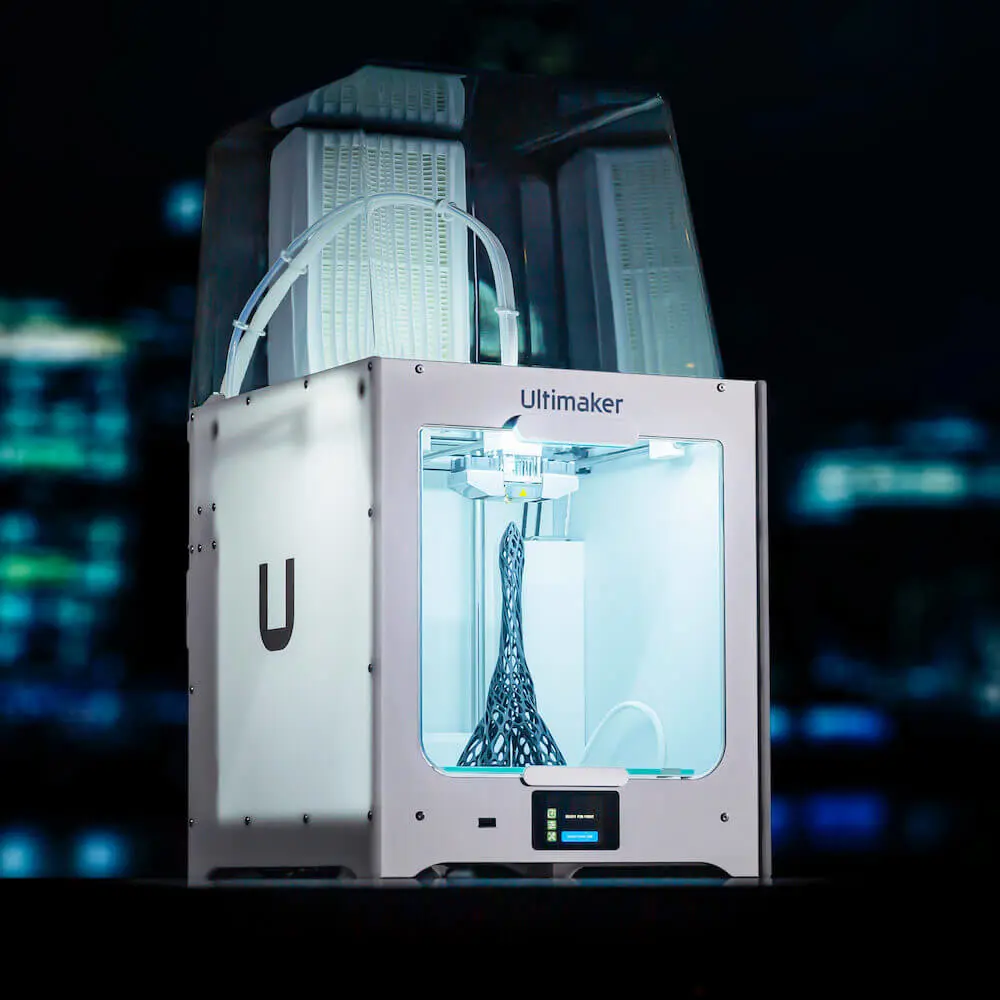
Sometimes single extrusion simplicity is all you need. The Ultimaker 2+ Connect builds upon the award-winning benchmark of its predecessor, to add intuitive operation and deeper software connectivity.
Hit the ground printing
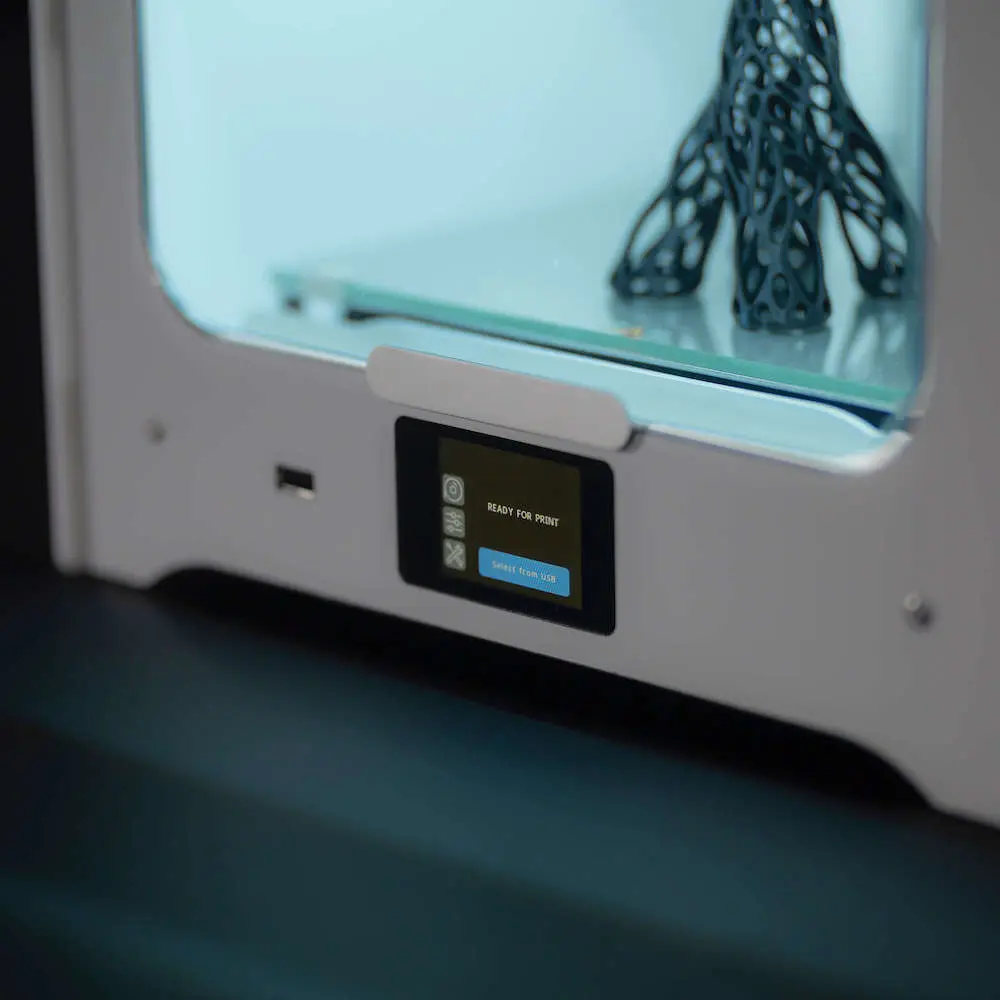
Want a finished print from day one? Unbox and connect three components, and get started via the new touchscreen. This speedy setup even makes installing multiple 3D printers effortless.
And register your Ultimaker 2+ Connect to access an exclusive 30-minute onboarding course taught by Ultimaker experts, who walkthrough installation, Ultimaker Cura, and maintenance.
High uptime. Low maintenance
Since 2015, over 6 million prints have been prepared for its predecessor. And the Ultimaker 2+ Connect improves on that workhorse legacy.
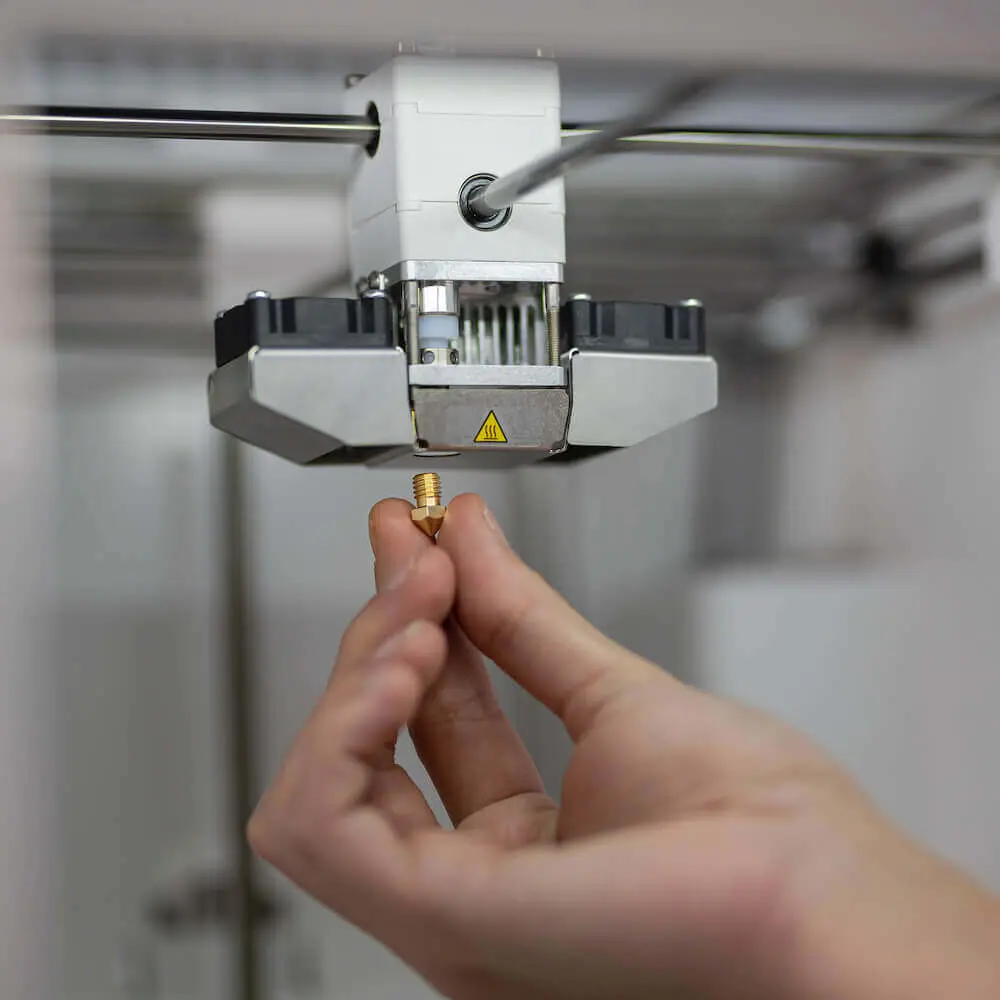
A clean and updated design keeps maintenance to a minimum – just 20 minutes per month, without the need for special tools.
And when it comes to changeovers, switch out swappable nozzles in less than 5 minutes for high uptime, from 0.25 mm for detailed prints up to 0.8 mm for fast drafts or 3D sketches.
Cloud 3D printing built in
At home, in the office or classroom, easily send print jobs to the Ultimaker 2+ Connect. Via Wi-Fi or Ethernet, cloud 3D printing allows remote file transfer with added security from anywhere in the world.
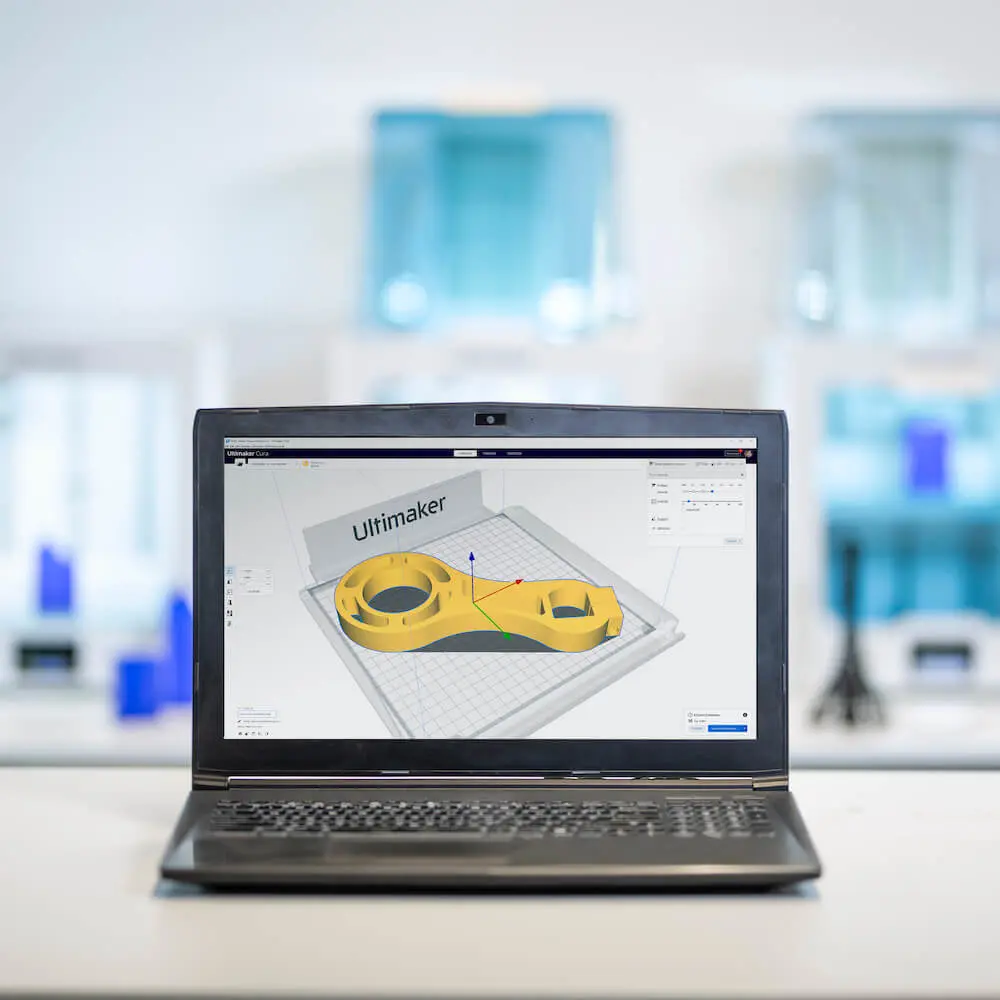
And with Ultimaker Marketplace, customize your slicing experience with plugins (including CAD integration) for a simpler 3D printing workflow.
Ultimaker 2+ Connect Technical Specifications
| Build Volume | 223 x 220 x 205 mm (8.7 x 8.6 x 8 inches) |
|---|---|
| Assembled Dimensions | 342 x 460 x 580 mm (13.5 x 18.1 x 22.8 in) |
| Print Technology | Fused filament fabrication (FFF) |
| Compatible filament diameter | 2.85 mm |
| Weight | 10.3 kg (22.7 lbs) |
| Power Input | 100 - 240 VAC, 50 - 60 Hz |
| Maximum Power Output | 221 W |
| Layer Resolution |
0.25 mm nozzle: 150 - 60 micron 0.4 mm nozzle: 200 - 20 micron 0.6 mm nozzle: 400 - 20 micron 0.8 mm nozzle: 600 - 20 micron |
|---|---|
| XYZ Resolution | 12.5, 12.5, 5 micron |
| Feeder type | Geared feeder |
| Display | 2.4-inch (6 cm) TFT color touchscreen |
| Print Head | Single extrusion with swappable nozzle and dual cooling fans |
| Nozzle Diameters | Single extrusion with swappable nozzle and dual cooling fans |
| Build Speed | < 24 mm³/s |
|---|---|
| Nozzle Temperature | 180 - 260 °C |
| Nozzle Head-up Time | < 2 minutes |
| Operating Sound | < 50 dBA |
| Build Plate Leveling | Assisted leveling |
| Build Plate | 20 - 110 °C heated glass build plate |
| Operating Ambient Temperature | 15 - 32 °C (59 - 90 °F) |
| Non-operating Temperature | 0 - 32 °C (32 - 90 °F) |
| Air Manager Filter Technology | Replaceable EPA filter |
| Air Manager Filter Efficiency | Up to 95% of UFPs |
| Supplied Free Software | Ultimaker Cura
Ultimaker Digital Factory |
|---|---|
| Software Security | Data encryption in transit and at rest. Two-factor authentication |
| Supported OS | MacOS, Windows, and Linux |
| Plugin Integration | SolidWorks, Siemens NX, Autodesk Inventor |
| Supported File Types | Ultimaker Cura: STL, OBJ, X3D,
3MF, BMP, GIF, JPG,
PNG Printable formats: GCODE |
| File Transfer | Wi-Fi, Ethernet, USB |
| Certification | CE, Declaration of safe unattended use |
|---|---|
| More Information | Learn about Ultimaker 2+ Connect safety and compliance |
| Training | Training is
available online or via our
dedicated network of local service
partners. Register your Ultimaker 2+ Connect for a free, online setup and onboarding tutorial in the Ultimaker 3D Printing Academy. |
|---|---|
| Warranty Period | 12 months |
| Expert Support | Market-leading technical support via email, phone, or from our global community is available to you in your language and timezone. |
| Extended Support | Online resources, extensive manuals, material technical and safety data sheets (in multiple languages), a detailed knowledge base, and much more. |
Trusted by the world's leading brands


